In this article
The short answer first
If you want the decision without the reasoning:
| Your situation | What to buy |
|---|---|
| Standard office, moderate density, mixed device ages | WiFi 6 — mature, affordable, more than sufficient |
| High density: boardrooms, lecture spaces, event floors, dense coworking | WiFi 6E — the clean 6 GHz band is the real benefit |
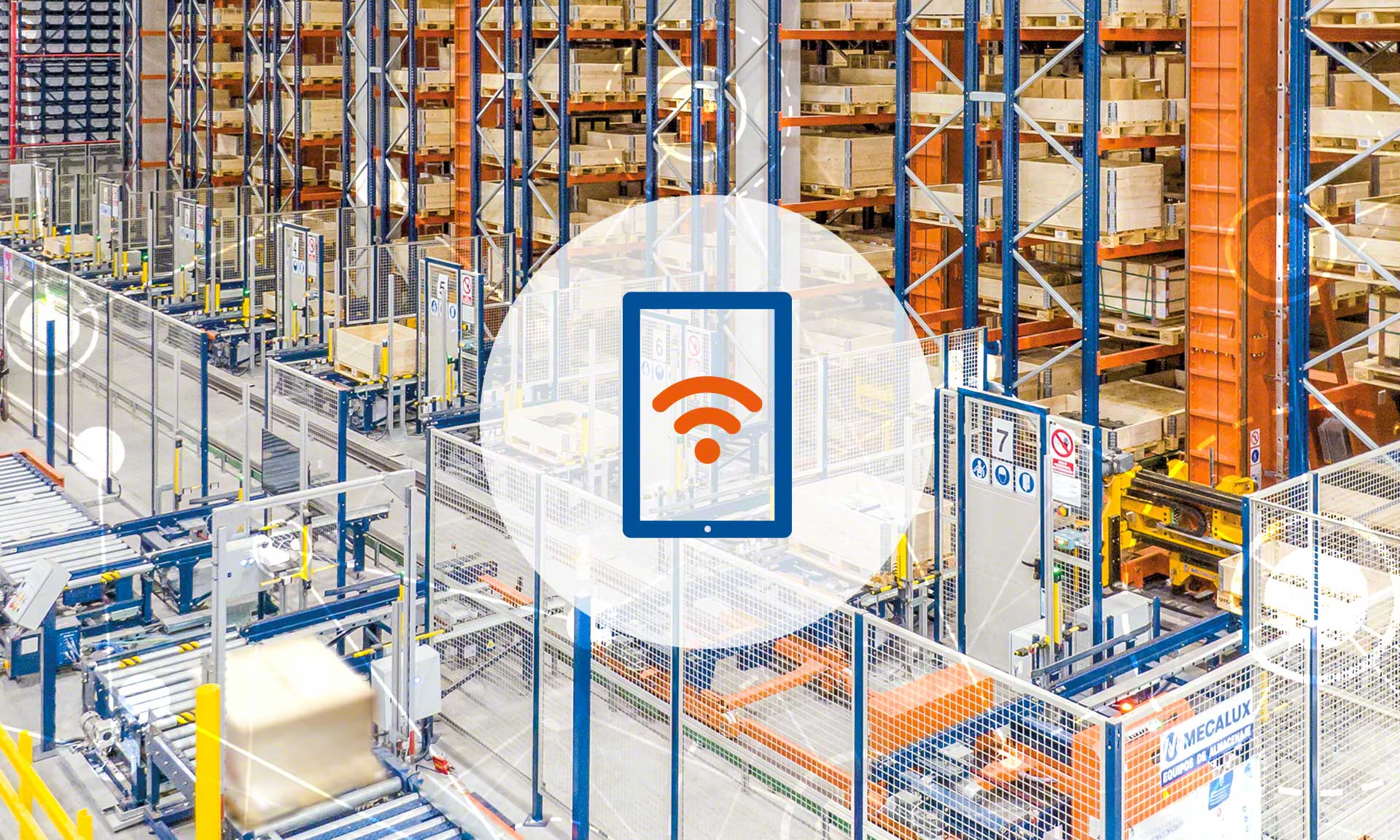
| Warehouse, manufacturing, large coverage areas with older handhelds | WiFi 6 — coverage and configuration matter far more than the standard |
| New build with a long horizon and a genuine cabling budget | WiFi 7 at key positions, Cat6A everywhere |
| Currently on WiFi 5 (802.11ac) and complaining | Survey first. The standard is probably not your problem. |
Now the reasoning, because the exceptions matter.
What actually changed in each generation
WiFi 6 (802.11ax) — efficiency, not headline speed
WiFi 6's important features are about handling many clients well rather than making one client fast. OFDMA lets an access point divide a channel among several devices in the same transmission rather than serving them strictly one at a time — a substantial gain when forty phones are sending small packets. MU-MIMO improves multi-device throughput. Target Wake Time lets battery devices sleep on a schedule, which matters more for IoT than anyone expected.
Crucially, WiFi 6 works in both 2.4 GHz and 5 GHz. Every device you own can benefit from an access point upgrade even if the device itself is older.
WiFi 6E — the same standard, a new band
WiFi 6E is WiFi 6 with access to the 6 GHz band. That is the whole change, and it is a bigger deal than it sounds: 6 GHz adds up to 1,200 MHz of spectrum with no legacy devices in it, no microwave ovens, no old cordless phones, no neighbouring business's 2013 access point. Fourteen additional 80 MHz channels, all clean.
The trade-off is physics. Higher frequency means shorter range and worse wall penetration. A 6 GHz cell is meaningfully smaller than a 5 GHz cell from the same access point at the same power.
WiFi 7 (802.11be) — Multi-Link Operation is the real feature
WiFi 7 offers 320 MHz channels and 4096-QAM, which produce impressive datasheet numbers and matter to very few businesses. The feature that genuinely changes behaviour is Multi-Link Operation: a client can use two bands simultaneously — say 5 GHz and 6 GHz — aggregating throughput and, more importantly, dramatically improving latency consistency by having a second path already established when one degrades.
For most offices this is a refinement. For latency-sensitive work — real-time video production, wireless AR, high-stakes conferencing — it is the first wireless feature in years that changes what is practical.
The band question is the real decision
Framing this as a choice between standards obscures what you are actually choosing: which spectrum you get to use, and how much of it.
| Band | Usable width | Range | Wall penetration | Congestion |
|---|---|---|---|---|
| 2.4 GHz | ~70 MHz (3 clean channels) | Longest | Best | Severe |
| 5 GHz | ~500 MHz with DFS | Moderate | Moderate | Moderate |
| 6 GHz | Up to 1,200 MHz | Shortest | Weakest | Minimal today |
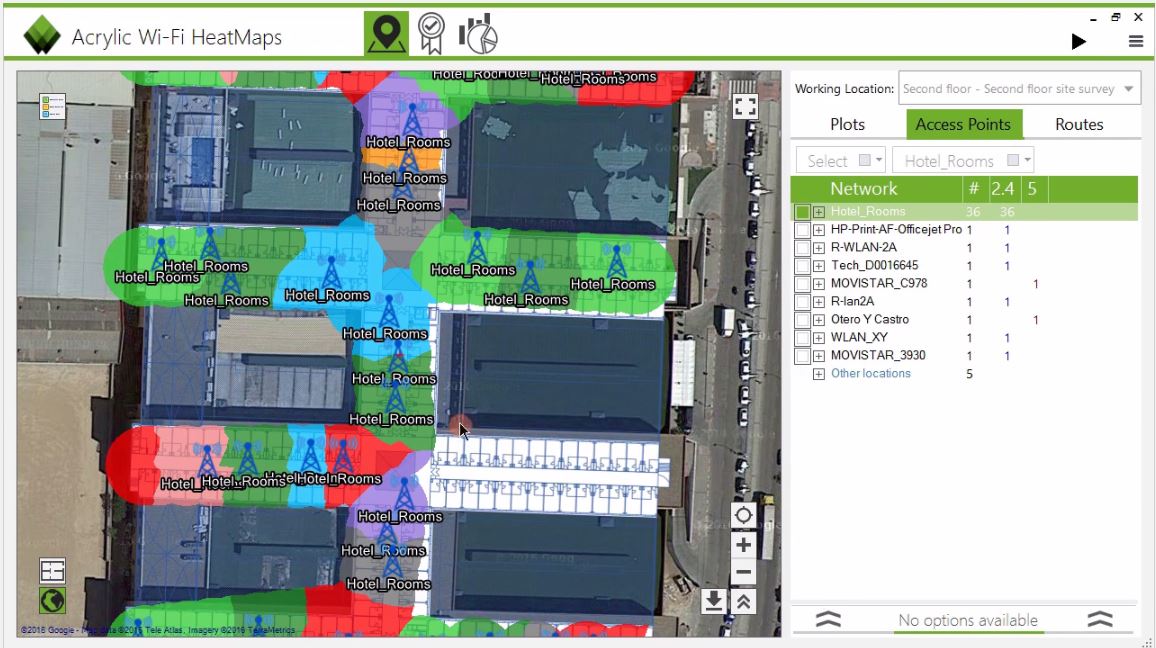
Two consequences follow. First, if your problem is that you cannot reach the far corner of a building, 6 GHz makes it worse, not better — you need more access points or better placement, not a newer standard. Second, if your problem is that a hundred devices are fighting over the same congested channels in one room, 6 GHz is exactly the fix.
Range is not free
Designing a 6 GHz network to the same coverage standard as your 5 GHz network generally requires more access points. Budget for the density, not just the hardware generation.
Your clients decide more than your access points do
A wireless link runs at the pace of the slower end. An access point capable of extraordinary things achieves none of them when talking to a five-year-old scanner.
Before choosing a generation, inventory what will actually connect:
- Laptops — most business machines from 2020 onward support WiFi 6; 6E support became common from 2022; WiFi 7 from 2024.
- Phones — flagship handsets have supported 6E since 2022 and WiFi 7 since 2024. Mid-range devices lag by years.
- Industrial handhelds and scanners — routinely 802.11n or ac, frequently 2.4 GHz only, and often in service for a decade.
- IoT — thermostats, sensors, printers, cameras and signage are almost universally on old standards and will remain there.
In a typical warehouse, the devices doing the revenue-generating work are the oldest ones on the network. Buying WiFi 7 access points for them is buying a capability nothing present can use.
The hidden cost: cabling and power
The access point is often the cheaper half of a generation jump.
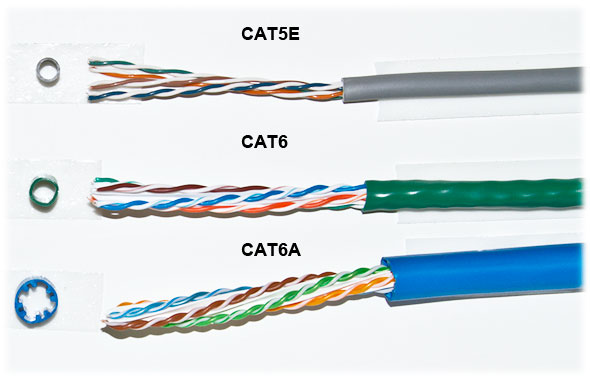
A WiFi 6 access point with a 1 Gbps uplink is happy on existing Cat5e. A high-end 6E or WiFi 7 unit can exceed 1 Gbps of real aggregate throughput, which means a 2.5 or 5 Gbps uplink, which means Cat6A and a multi-gigabit switch port. Those units also draw more power — often PoE++ (802.3bt) rather than PoE+.
| Generation | Typical uplink | Cable | PoE class |
|---|---|---|---|
| WiFi 5 (ac) | 1 Gbps | Cat5e | 802.3af / at |
| WiFi 6 | 1–2.5 Gbps | Cat5e / Cat6 | 802.3at (PoE+) |
| WiFi 6E | 2.5 Gbps | Cat6 / Cat6A | 802.3at / bt |
| WiFi 7 | 2.5–10 Gbps | Cat6A | 802.3bt (PoE++) |
Our standing recommendation for any new cabling: pull Cat6A regardless of which access point you install today. The cable is a small fraction of the installed cost, and the labour to pull it again is the expensive part.
When an upgrade is genuinely the answer
Upgrade the generation when:
- Density is your bottleneck — many devices in one space, all active
- Your access points are 802.11n or early ac and are at end of support
- You are cabling a new building anyway and the incremental cost is small
- You have specific low-latency requirements that MLO addresses
Do not upgrade the generation when:
- Coverage is your complaint — that is placement and count, not standard
- Your clients are predominantly older devices
- Your uplink or internet circuit is the actual constraint
- Nobody has surveyed the building to find out what is wrong
The most common outcome
In roughly half the "we need to upgrade to the latest WiFi" enquiries we survey, the existing hardware is adequate and the problems are placement, channel planning and power settings. That is a much cheaper fix, and we would rather tell you so than sell you access points you do not need.
What we install, and why
For most Los Angeles businesses today we deploy WiFi 6 as the standard, with WiFi 6E at high-density positions — boardrooms, training rooms, event spaces, dense open-plan floors. We specify WiFi 7 where a client has a long horizon, modern devices and a real reason to care about latency consistency.
In every case we pull Cat6A, specify switches with PoE++ headroom and multi-gigabit ports, and design coverage from a survey rather than from a datasheet. That way the generation decision stays reversible: when the argument for the next standard becomes real, you replace access points and nothing else.
Not sure which category you fall into? A site survey answers it with measurements instead of opinions.
Need this done in your building?
We survey, design, install and support commercial networks across Greater Los Angeles. Request a consultation or call 626-289-0188.